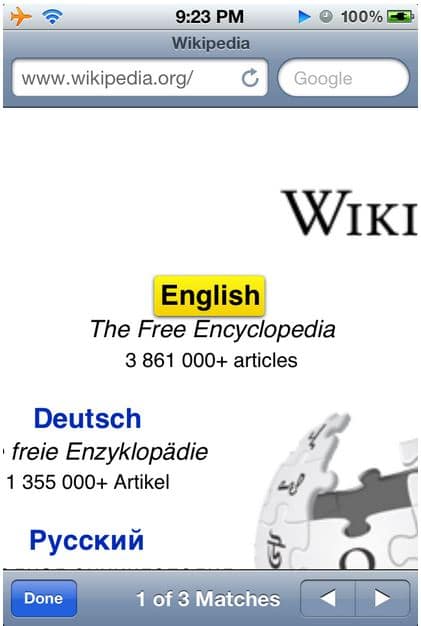
I recently noticed that Safari has a built-in function that allows you to locate a specific word or phrase on a website. The reason I never noticed it was because I always thought that the search bar in Safari, next to the address bar, was there to search the web using your default search engine. It’s very simple to do.
- Go to the Search bar.
- Type the word or phrase you would like to find, ignore the suggestions if Google is your default search engine.
- Scroll down and you will see where it says ‘On This Page’ and how many matches it found. At the bottom of that, just select the word Find, which should say the word you typed next to it.
All matches it found will be highlighted and you can go navigate through the matches with the next and previous buttons.