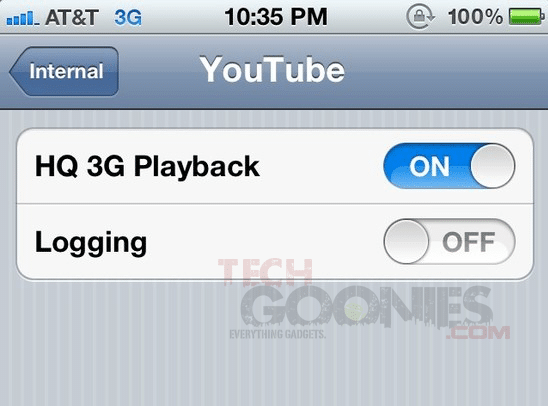
Have you ever noticed that the iPhone doesn’t play HD YouTube videos over 3G, only when is connected through WiFi? A hidden feature in iOS 5 allows you to play HD YouTube video over 3G or AT&T’s “4G’ HSPA+ network. This hidden feature was discovered by iOS hacker and developer Sonny Dickson. This hidden feature was put up in iOS 5 by Apple, so your device doesn’t have to be jailbroken in order to do this.
How to enable YouTube HD video playback in iOS 5:
Step 1: Back-up your device using iTunes.
Step 2: Download iBackupBot, install it, and open it.
Step 3: Navigate to Library/Preferences/com.apple.youtubeframework.plist and open it.(If your software isn’t registered, press cancel to open it)
Step 4: To enable YouTube HD over a 3G network, you’ll now need to add the following code to the file you just opened:
<key>HD3G</key><true/>
Save and close this file.
Step 5: Now restore from backup using iBackupbot.
After you’re done, the device will reboot.